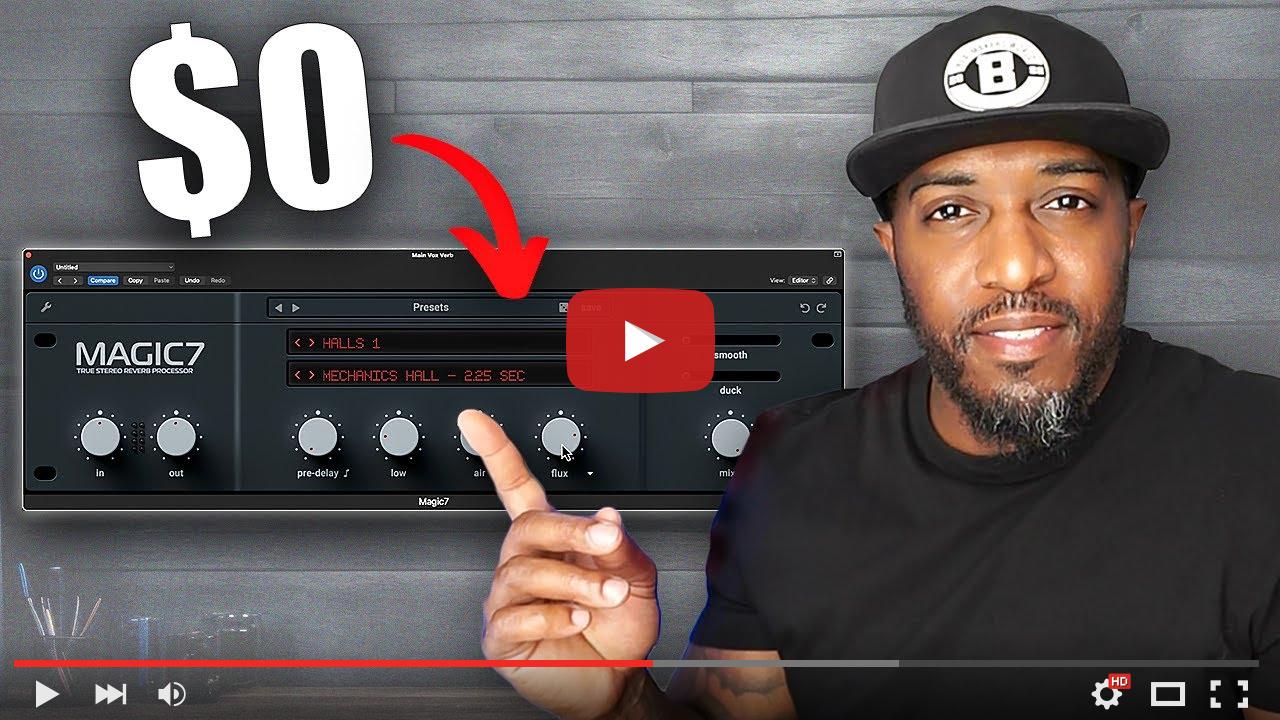
How Is This FREE?!

Iconic sounds...‌  ‌  ‌  ‌  ‌  ‌  ‌  ‌  ‌  ‌  ‌  ‌  ‌  ‌  ‌  ‌  ‌  ‌  ‌  ‌  ‌  ‌  ‌  ‌  ‌  ‌  ‌  ‌  ‌  ‌  ‌  ‌  ‌  ‌  ‌  ‌  ‌  ‌  ‌  ‌  ‌  ‌  ‌  ‌  ‌  ‌  ‌  ‌  ‌  ‌  ‌  ‌  ‌  ‌  ‌  ‌  ‌  ‌  ‌  ‌  ‌  ‌  ‌  ‌  ‌  ‌  ‌  ‌  ‌  ‌  ‌  ‌  ‌  ‌  ‌  ‌  ‌  ‌  ‌  ‌  ‌  ‌  ‌  ‌  ‌  ‌  ‌  ‌  ‌  ‌  ‌  ‌  ‌  ‌  ‌  ‌  ‌  ‌  ‌  ‌  ‌  ‌  ‌  ‌  ‌  ‌  ‌  ‌  ‌  ‌  ‌  ‌  ‌  ‌  ‌  ‌  ‌  ‌  ‌  ‌  ‌  ‌  ‌  ‌  ‌  ‌  ‌  ‌  ‌  ‌  ‌  ‌  ‌  ‌  ‌  ‌  ‌  ‌  ‌  ‌  ‌  ‌  ‌  ‌  ‌  ‌  ‌  ‌  ‌  ‌  ‌  ‌  ‌  ‌  ‌  ‌  ‌  ‌  ‌  ‌  ‌  ‌  ‌  ‌  ‌  ‌  ‌  ‌  ‌  ‌  ‌  ‌  ‌  ‌  ‌  ‌  ‌  ‌  ‌  ‌  ‌  ‌  ‌  ‌  ‌  ‌  ‌  ‌  ‌  ‌  ‌  ‌  ‌  ‌  ‌  ‌  ‌  ‌  ‌  ‌  ‌  ‌  ‌  ‌  ‌  ‌  ‌  ‌  ‌  ‌  ‌  ‌  ‌  ‌  ‌  ‌  ‌  ‌  ‌  ‌  ‌  ‌  ‌  ‌  ‌  ‌  ‌  ‌  ‌  ‌  ‌  ‌  ‌  ‌  ‌  ‌  ‌  ‌  ‌  ‌  ‌  ‌  ‌  ‌  ‌  ‌  ‌  ‌  ‌  ‌  ‌  ‌  ‌  ‌  ‌  ‌  ‌  ‌  ‌  ‌  ‌  ‌  ‌  ‌  ‌  ‌  ‌  ‌  ‌  ‌  ‌  ‌  ‌  ‌  ‌  ‌  ‌  ‌  ‌  ‌  ‌  ‌  ‌  ‌  ‌  ‌  ‌  ‌  ‌  ‌  ‌  ‌  ‌  ‌  ‌  ‌  ‌  ‌  ‌  ‌  
  -  

Create In Your Lane

Yo Artist

Hope you're doing well! I've got some cool updates, tips, and resources I can't wait to share with you.

🔥 New Video Alert: Free Reverb Plugin Inspired by the Bricasti M7!

If you're looking for a premium reverb plugin without the price tag, I just released a video on a free reverb that's inspired by the legendary Bricasti M7.

This plugin gives you smooth, high-quality reverb sounds perfect for vocals, drums, pads, and more.

If you haven't checked it out yet, be sure to give it a watch—trust me, this one's a gem!
Watch the video now!

🛠 Tips for Your Production Workflow

Staying productive and creative is key in our line of work. Here are a few quick tips to boost your workflow:

  1. Set small goals: Breaking down bigger tasks into bite-sized chunks helps you stay focused.
  2. Compare your music to professional tracks: A great way to measure if your beats or mixes are ready to go out.
  3. Use reference tracks: This will help you with perspective, especially when you feel stuck.

These simple tweaks can make a huge difference!

🔔 Don't Miss Out!

Make sure you're subscribed and following me on Instagram and YouTube for updates on new content, freebies, and more tips.

Thanks for being a part of the community, and I can't wait to see where this next chapter takes us.


P.S. If you have any feedback or suggestions for what you'd like to see in upcoming videos or content, let me know! I'm always open to ideas.

 Preciate your support fam 💯
KC

 
video_preview_dc3eb760877d62eefe0b772b6ba89ef8.jpg

© Copyright, 2024, KC Sounds • 22 Bramble Close, NG6 0QG

This email has been sent to you, because you are a customer or subscriber of KC Sounds. Unsubscribe

  -  

Comments

Popular posts from this blog

Part 7: Get That Perfect Pitch: Using AutoPitch (Autotune) in BandLab!

Part 7: Get That Perfect Pitch: Using AutoPitch (Autotune) in BandLab! Welcome back to the BandLab series! In this installment, we're diving into a powerful tool for vocal production: AutoPitch , BandLab's built-in version of Autotune. AutoPitch can be used for subtle pitch correction or more dramatic, stylized vocal effects. Let's explore how to use it effectively. What is AutoPitch? AutoPitch is an audio effect that automatically corrects the pitch of vocal performances. While it's often associated with the "Autotune" sound popularized in various genres, it can also be used subtly to smooth out minor imperfections and create a more polished vocal track. How to Use AutoPitch in BandLab: A Step-by-Step Guide Here's how to get started with AutoPitch in BandLab: Create a Voice/Audio Track: Start by adding a voice or audio track to your BandLab project. How do I use AutoPitch? Access AutoPitch™: Tap on the "AutoPitch™" button...

Part 5: Adding Movement and Life with Automation in BandLab!

Part 5: Adding Movement and Life with Automation in BandLab! Welcome back, BandLab producers! We've covered essential techniques like vocal editing, EQ, compression, reverb, and delay. Now, it's time to explore a feature that can truly bring your music to life: automation . Automation allows you to control virtually any parameter within BandLab – track volume, pan, effect levels, filter cutoffs, and much more – and make those parameters change automatically over the course of your song. This means you can create dynamic mixes that evolve and keep the listener engaged, adding subtle nuances or dramatic shifts as your track progresses. Why Use Automation? The Power of Change Static mixes can sound flat and uninteresting. Automation injects movement and dynamism into your music in countless ways: Creating Volume Swells and Fades: Smoothly bring instruments in and out of the mix. Automating Panning for Stereo Interest: Make sounds move across the stereo field...

Part 4: Adding Space and Depth with Reverb and Delay in BandLab!

Part 4: Adding Space and Depth with Reverb and Delay in BandLab! Welcome back, BandLab enthusiasts! In our ongoing journey to elevate your music production skills, we've previously explored vocal editing, EQ, and compression. Now, it's time to delve into the exciting realm of spatial effects : reverb and delay. These effects are crucial for creating a sense of space, depth, and atmosphere in your mixes, transforming dry and lifeless recordings into immersive sonic landscapes. Creating a Sense of Space with Reverb Reverb, short for reverberation, simulates the natural reflections of sound waves in a physical space. When a sound is produced, it bounces off walls, ceilings, and other surfaces, creating a complex series of echoes that gradually decay. Reverb adds a sense of realism, depth, and ambiance to your tracks, making them sound like they exist within a particular environment – whether it's a small room, a large hall, or even a vast cathedral. BandLab offers v...